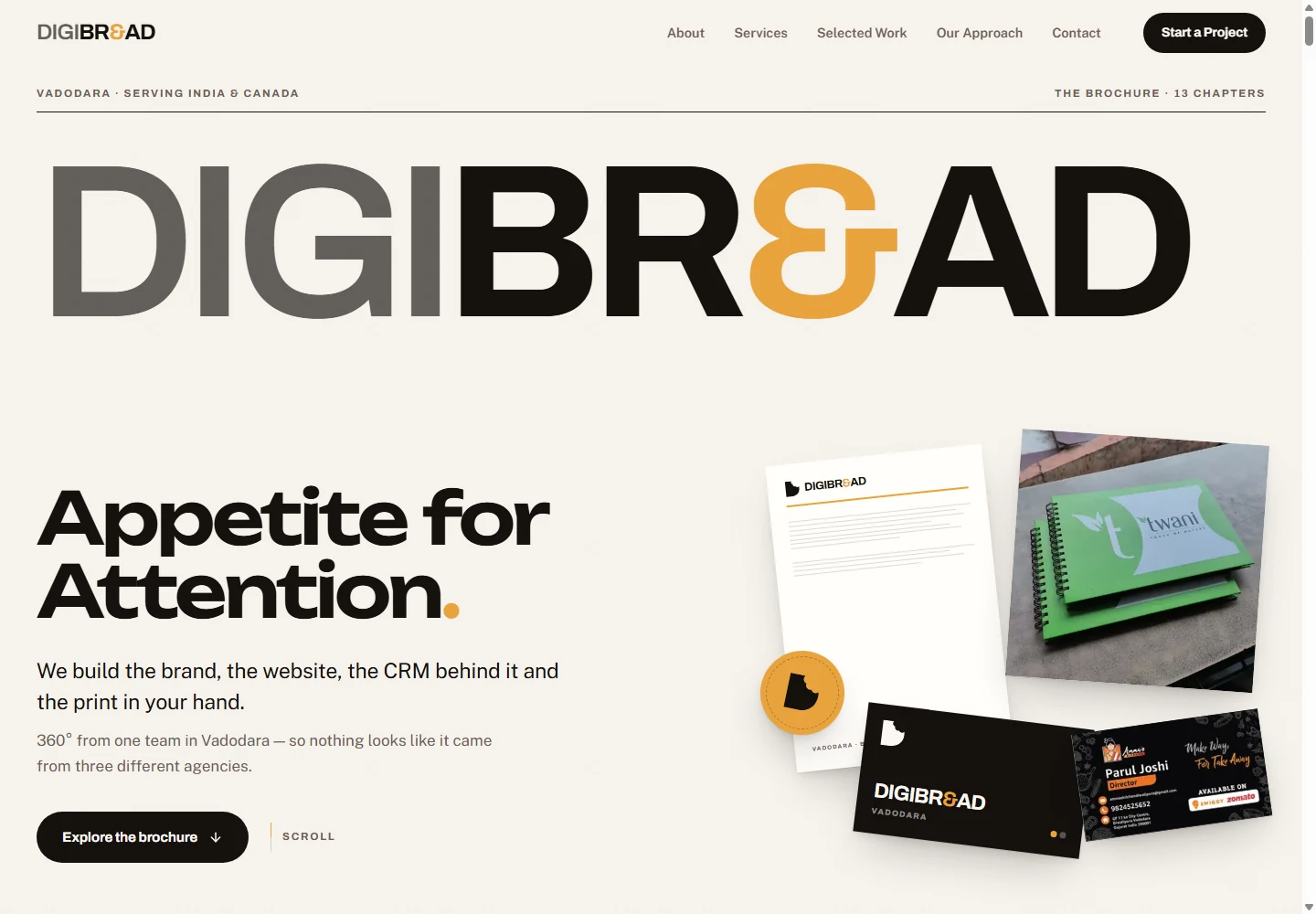
DigiBread: a company story in chapters
Thirteen chapters connect services, selected work, the process and contact. Readers can follow the story in order or jump straight to the work relevant to them.
Your company presentation, ready to share as a link and a PDF.
A company presentation
Open the link.
Explore the work.
Keep the PDF.
Two different subjects. Two different presentations.
Thirteen chapters connect services, selected work, the process and contact. Readers can follow the story in order or jump straight to the work relevant to them.
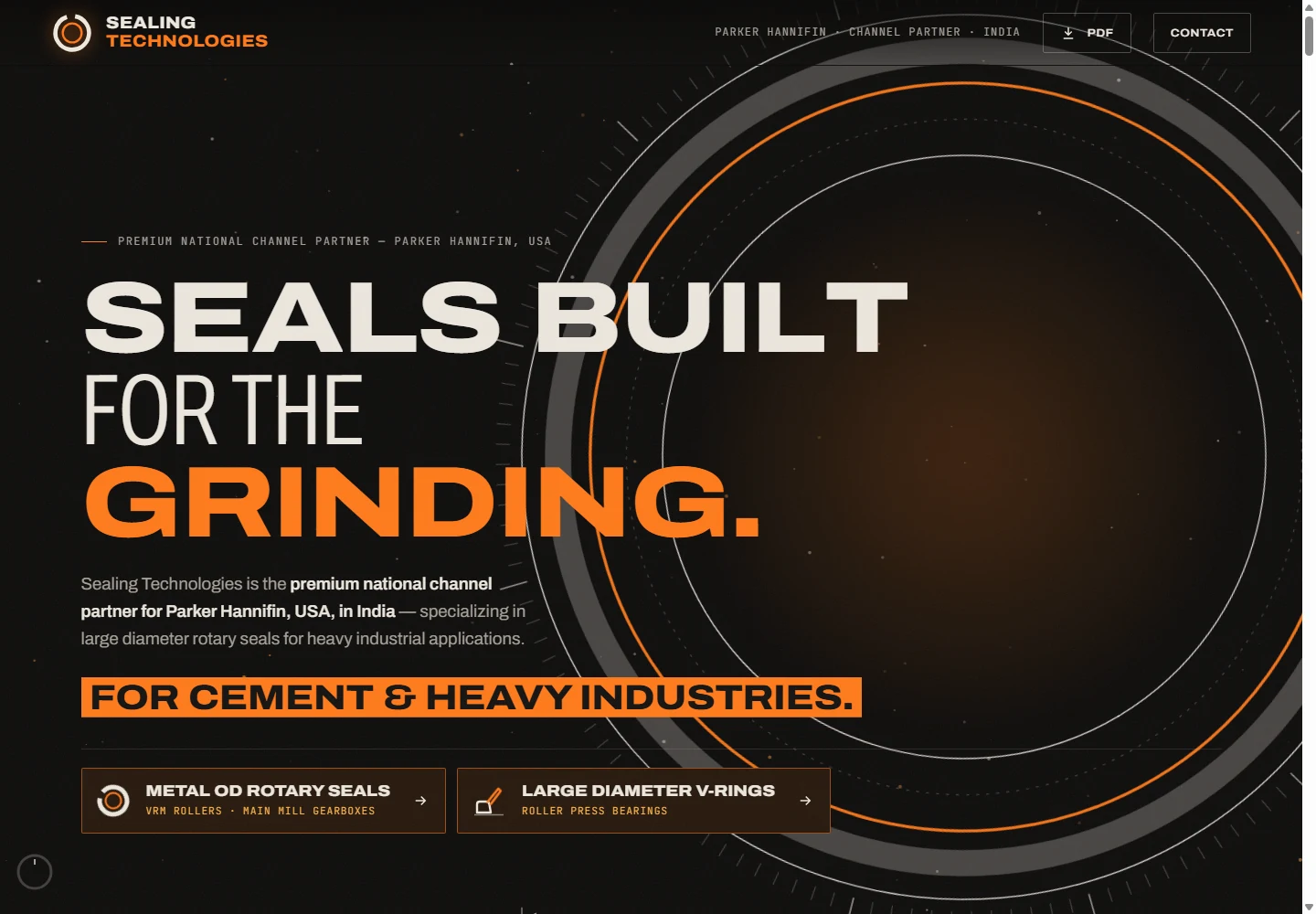
Mill applications, labelled seal diagrams and an adjustable downtime calculator support a technical sales conversation. A PDF link provides the document edition.
A digital brochure is a focused company presentation that opens in a browser. It can explain your products, services, process and selected work in a deliberate sequence, then give the reader a clear way to contact you. You can send the link in an email, a message, a proposal or a QR code.
You do not need to buy a separate domain. We can use a suitable hosted address or a subdomain of a domain you already own. Every live brochure still has a web address; the difference is that a new custom domain is optional.
The PDF is a companion document. A recipient can download it, circulate it within a team and read it offline. The live version can carry motion, video and interactive controls where they help explain the subject. The PDF presents the content as fixed pages, with links where appropriate.
This format suits a sales introduction, an industrial capability presentation, an agency credentials deck, a product range or a service business that needs something more considered than a file attachment. We decide the content order around what the buyer needs to understand before making contact.
The Sealing brochure uses labelled engineering diagrams and a downtime calculator. DigiBread’s brochure uses chapters to explain several services. The structure follows what the reader needs to understand.
A moving browser presentation and a circulated document need different reading arrangements. Both are considered during production.
The brochure leads to a useful action: a quotation, a project discussion, an appointment or a technical consultation.
The same identity can connect the brochure, website, printed material and project presentation. Existing logos and approved typefaces are used directly.
No separate custom domain purchase is required. The brochure can use a suitable hosted address or an existing domain’s subdomain. It still needs hosting and a web address to open in a browser.
Yes. The service includes a PDF edition for downloading, forwarding and offline reading. It is designed as a document, so the content remains understandable without browser animation.
The live version can include video, animation, navigation and interactive controls. The PDF contains fixed pages and may include clickable links. A calculator in the live brochure becomes an explanatory static section in the PDF.
A brochure is a focused presentation with a clear story and contact action. A full website is better for extensive product search, account access, a customer portal or ongoing transactions. The brochure can link to an existing website.
Yes. You can share the hosted link or attach the PDF, subject to the messaging or email service’s file-size limits. A link is useful when you want recipients to open the current live presentation.
The browser version is designed for smaller screens as well as desktop. Text, navigation, images and contact actions are checked in the mobile layout. The PDF uses a fixed page size and may require zooming on a small screen.
Yes. The Sealing Technologies example includes labelled seal sections, application explanations and a live downtime calculator. The scope depends on the information your buyer needs.
Public readable text, clear headings, useful descriptions and links help search systems understand the subject. Indexing, rankings and inclusion in AI answers are decided by those services and cannot be guaranteed.
Yes. We agree how revisions will be handled. Updating the live link keeps that presentation current; a PDF already downloaded by a recipient remains the older file until replaced.
Your existing logo and brand guidelines, accurate company information, product or service details, images you have permission to use, selected work and the contact action you want readers to take. We help organise and write the content.
DigiBread Advertising
Vadodara & Brampton — same-day reply